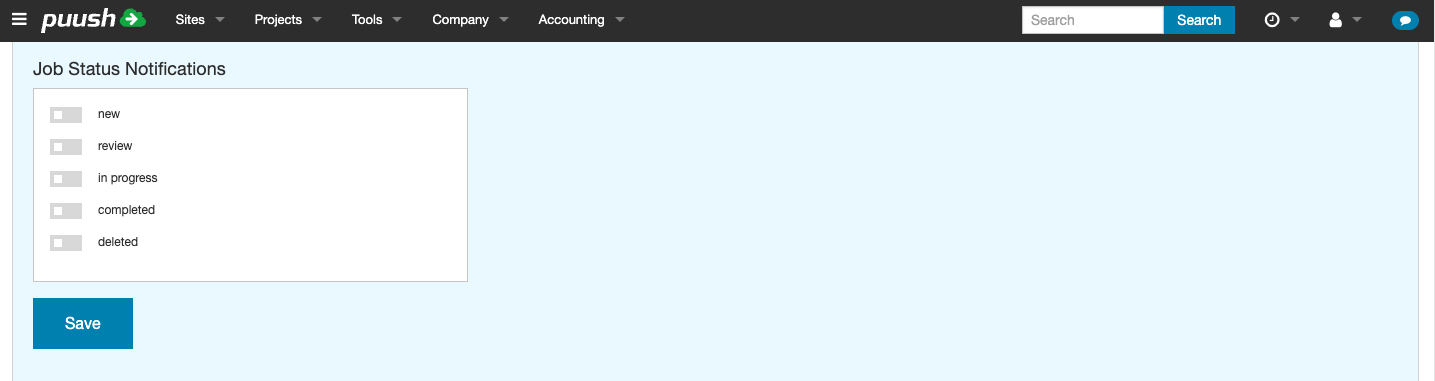
Job Status Notifications
Subscribe to notifications when jobs transition to specific statuses. The available statuses are defined by your company's job status configuration.
Configuring Job Status Notifications
- Go to Settings.
- Scroll to the Notifications section.
- Under Job Status Notifications, select one or more statuses from the multi-select list.
- Click Save.
How It Works
When a job moves to one of your selected statuses, you receive a notification. Notifications are delivered via in-app message, plus email or SMS depending on your delivery channel settings.
To stop receiving job status notifications, deselect all statuses and click Save.