Issue Notifications
Issue Notifications alert you when new issues are created that match specific priority and type combinations you define.
Adding Issue Notifications
- Go to Settings.
- Scroll to the Notifications section.
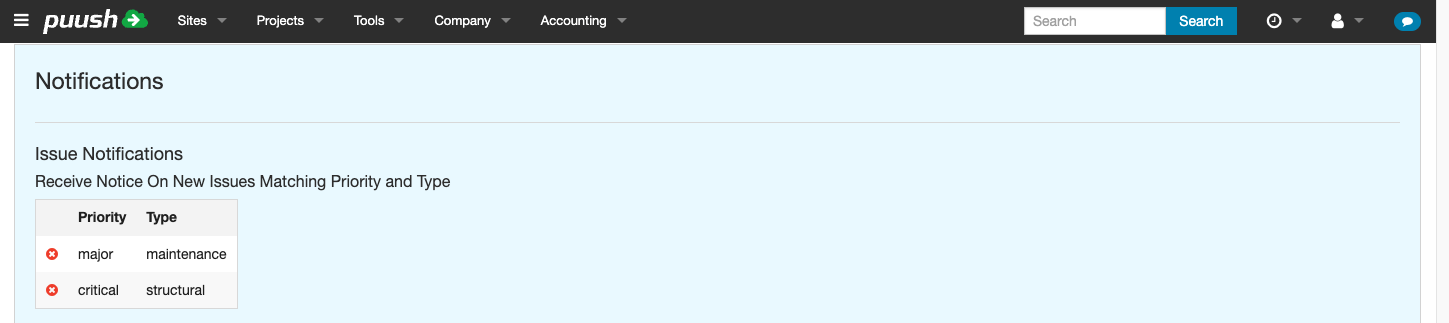
- Under Issue Notifications, you will see a table of your current notification rules and a form to add new ones.
- In the Priorities selector, choose one or more priorities.
- In the Types selector, choose one or more issue types.
- Click Add.
A notification rule is created for each combination of selected priorities and types. For example, selecting 2 priorities and 3 types creates 6 rules.
Viewing and Deleting Rules
Your existing rules appear in the table above the form, showing the priority and type for each rule.
To delete a rule, click the red X icon next to it.
How It Works
When a new issue is created that matches both a priority and a type in your notification rules, you receive a notification. Notifications are delivered via in-app message, plus email or SMS depending on your delivery channel settings.