Notification Delivery Channels
When a notification fires, Puush delivers it through one or more channels depending on your settings.
In-App Messages
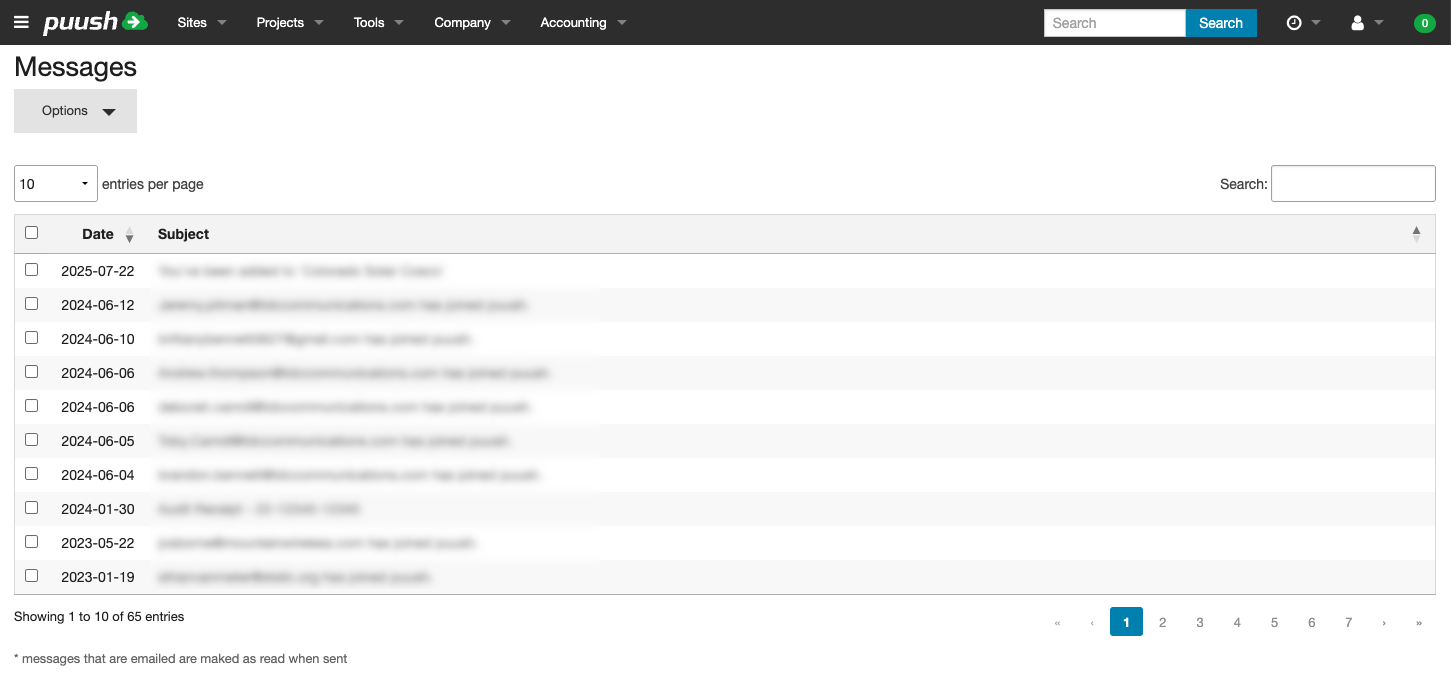
All notifications create an in-app message visible in your Messages inbox. This channel is always active and cannot be disabled.
- Click the Messages icon in the top navigation bar to view your notifications.
- Click on a message to view its details.
- Messages can be archived after reading.
Email Notifications
When enabled, notification content is also sent to your account email address.
- Go to Settings.
- Under Notification Options, check Receive Emails.
- Click Update.

SMS Notifications
When enabled, notifications are sent as text messages to your mobile number.
- Go to Settings.
- Enter your Mobile Number in the User Details section.
- Under Notification Options, check Receive SMS.
- Click Update.
You will receive a confirmation message when SMS notifications are first enabled.
caution
By enabling SMS notifications, you agree to Puush's SMS policy. Puush sends only system-generated notifications. Your number is not shared with third parties. Message and data rates may apply.