Defining Time Sheet Activities
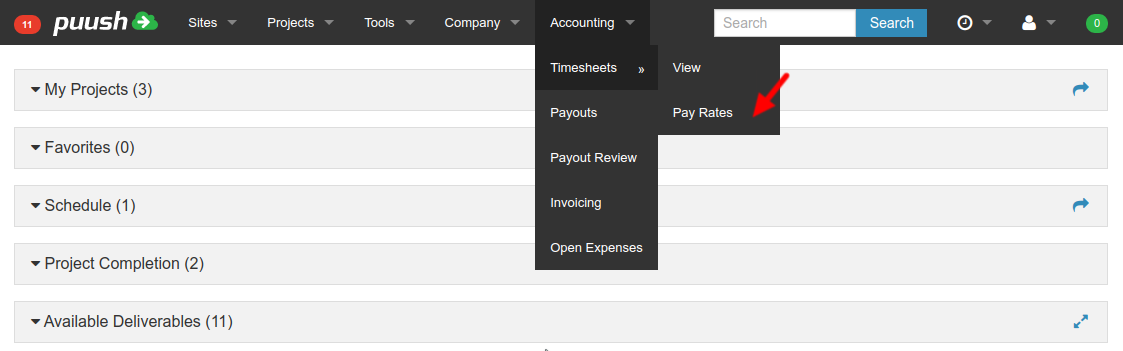
Open "Pay Rates" from "Accounting" menu.
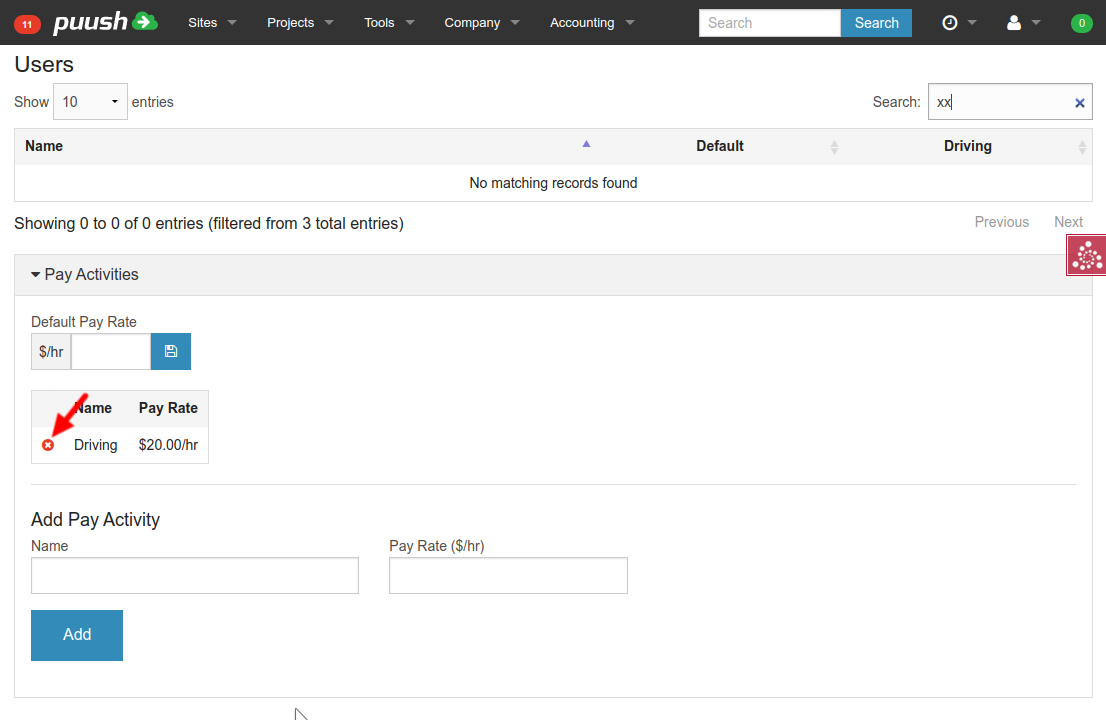
 Scroll to bottom and find "Pay Activities"
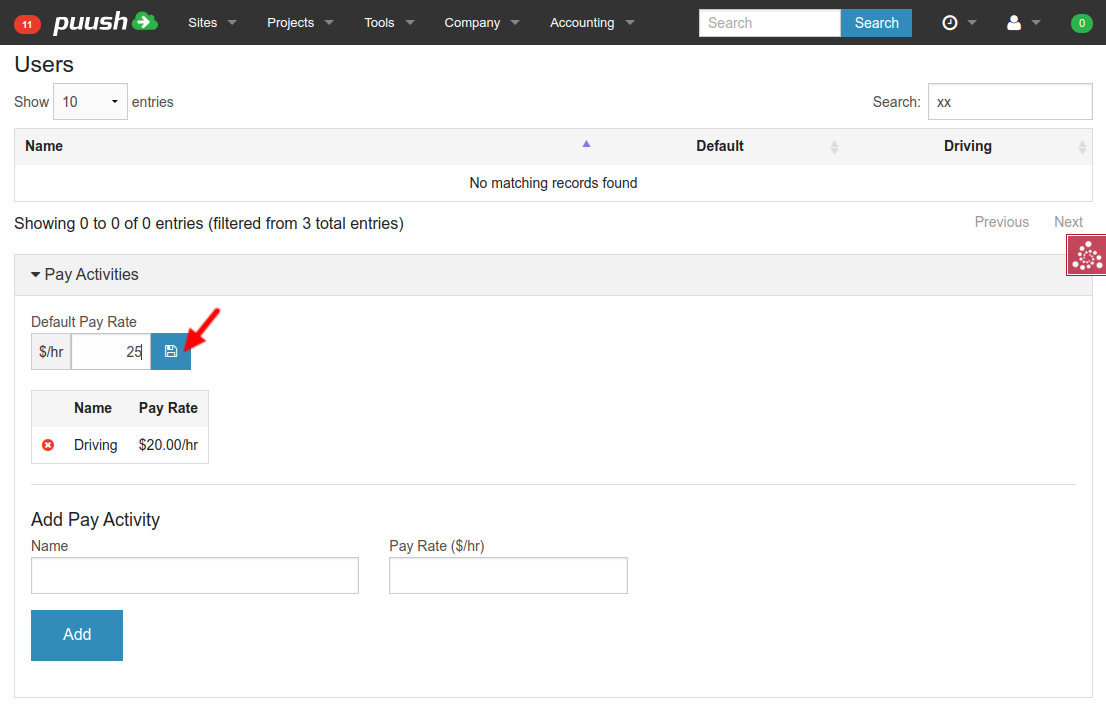
Define Default Pay Rate
- The "Default Pay Rate" will be used for all users if their own default pay rate has not been defined. This field may be left blank.
- Enter default pay rate into field at the top of the Pay Activities section. Click "Save" button to the right of the pay rate.
Creating New Pay Activities
-
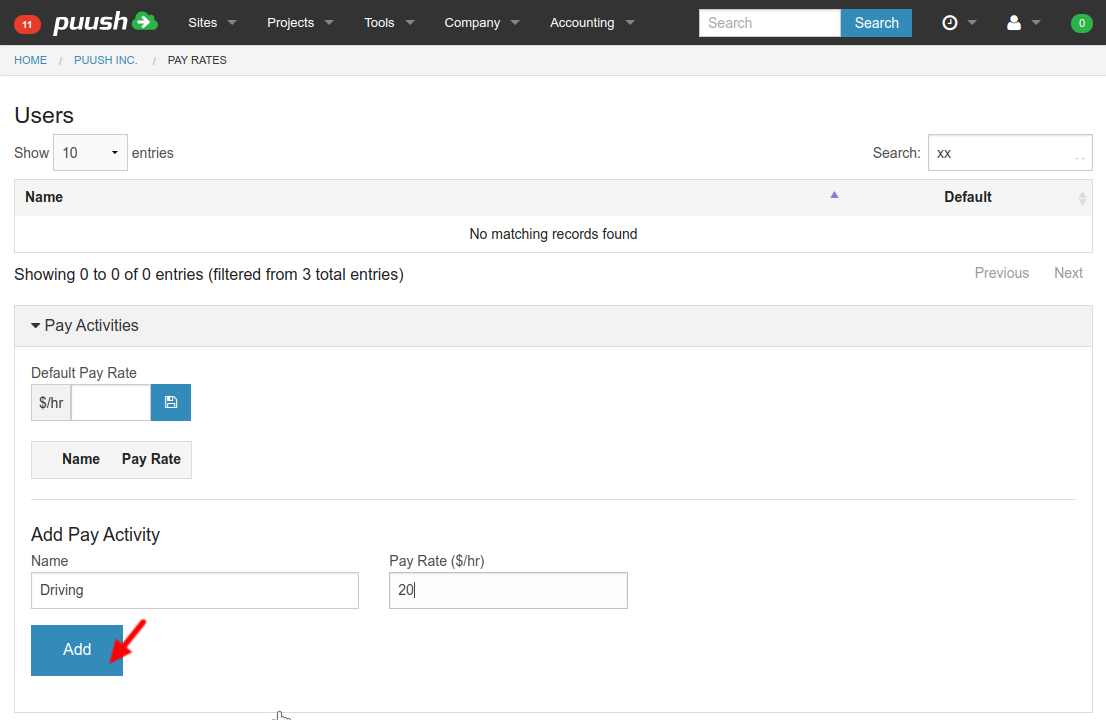
Enter a new Name and Pay Rate.
-
Hit "Add" button to create the new pay rate.
-
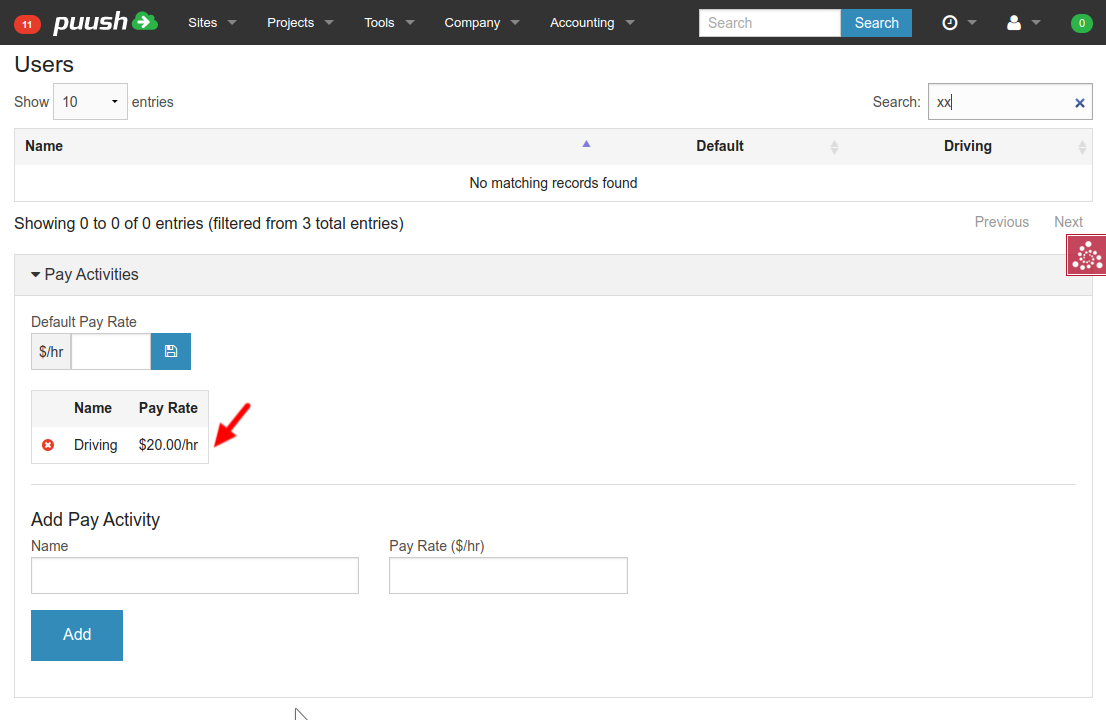
Your new Pay Activity will be added to the list.
Deleting Pay Activities
- To delete an Activity, click on the "Delete" button in the left column of the Activities table.
Editing Pay Activities
- To edit an Activity, enter a name identical to the activity you wish to edit into the "Add Pay Activity" Name field.
- Enter your new pay rate.
- Click "Add" Button.
- The existing pay rate will be changed to your new pay rate.