Clock In and Out
Within puush, Clocking In involves logging a users In and Out time with regard to a Project or Site. When checking in or out, the button will specify "Check".
Clocking in and out logs a users times without regard to any Project or Site. This is used for general purpose time and activity tracking.
Clocking In
- From any page other than a Project or Site.
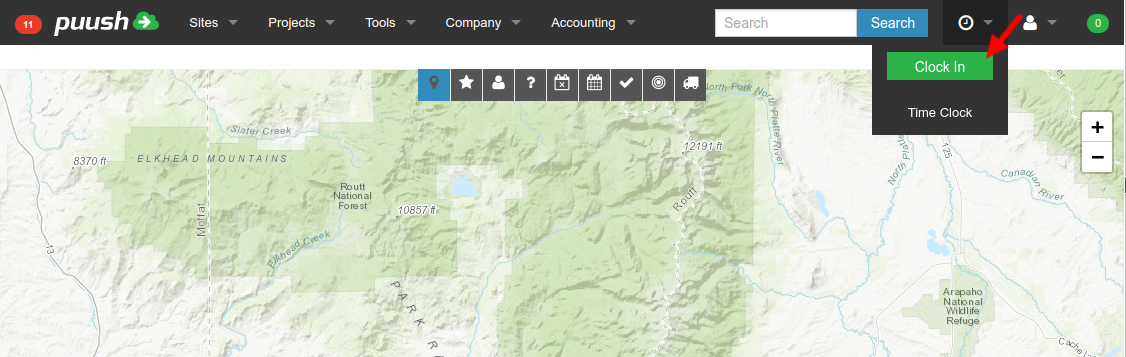
- Click "Clock In" button from Time menu in top bar.
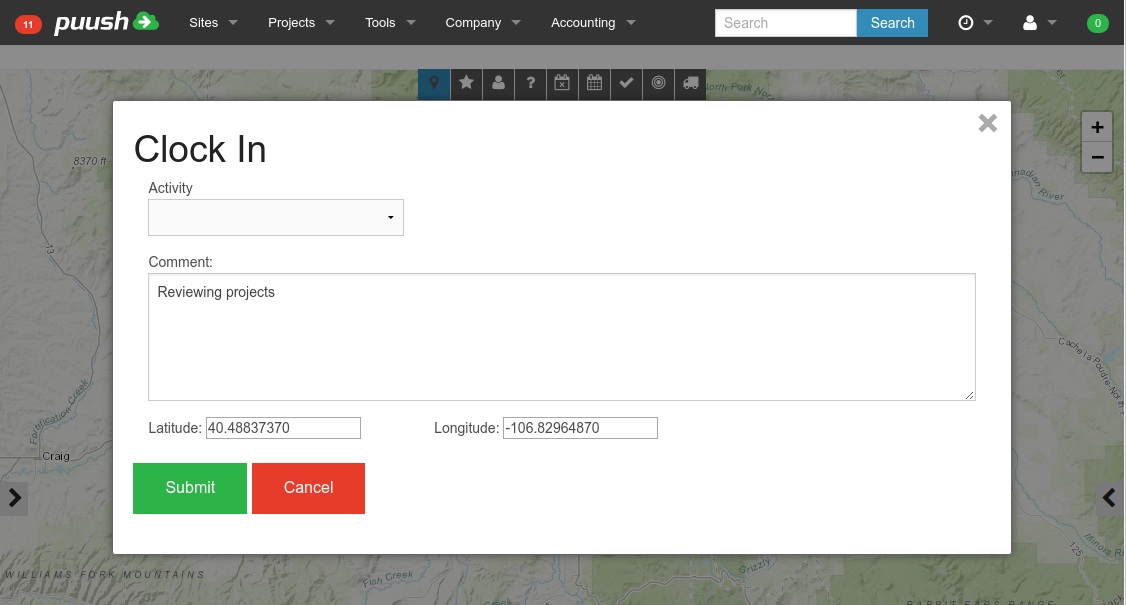
- Select "Activity" if available, add comment, and click "Submit" button.
Checking Out
- From any page
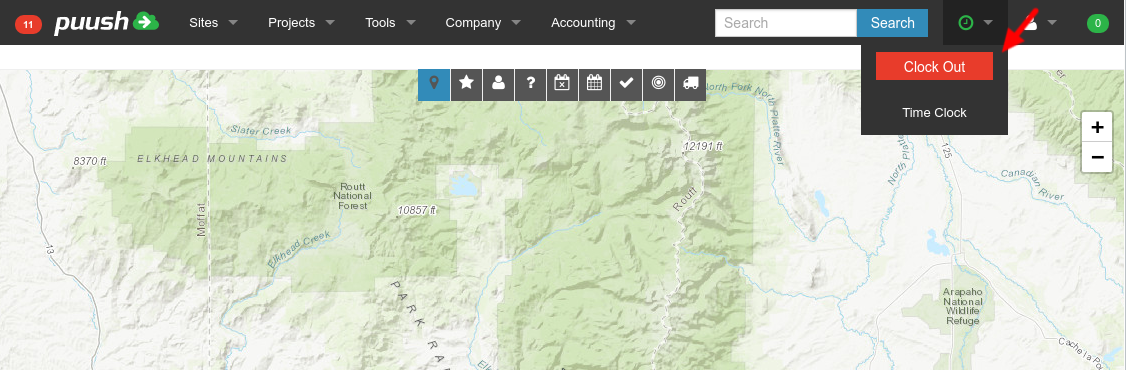
- Time menu in top bar will be green if currently clocked in. Click "Clock Out" button from Time menu.
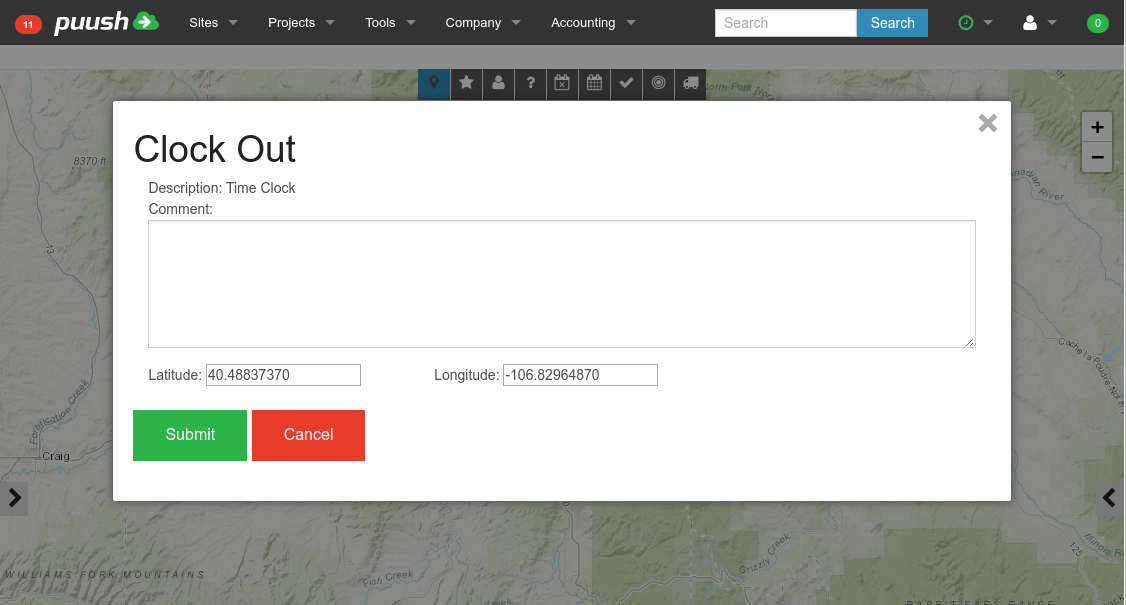
- Add comment and click "Submit" button.