Adding Check In's and Time Clock entries to a Time Sheet
Time Sheets are only available to companies who have subscribed to the "Accounting" module. Contact support to add this module if needed.
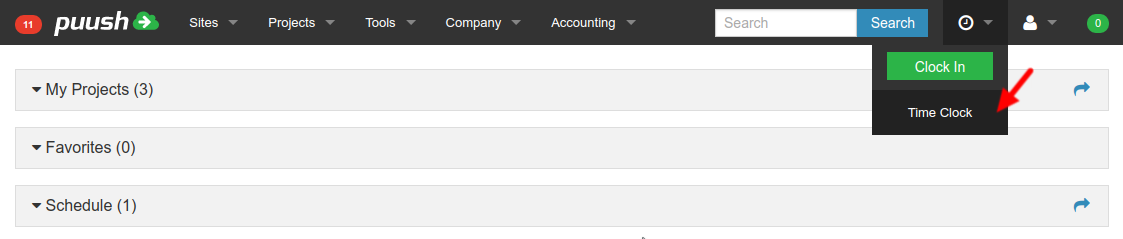
- Open "Time" -> "Time Clock" from the top menu.
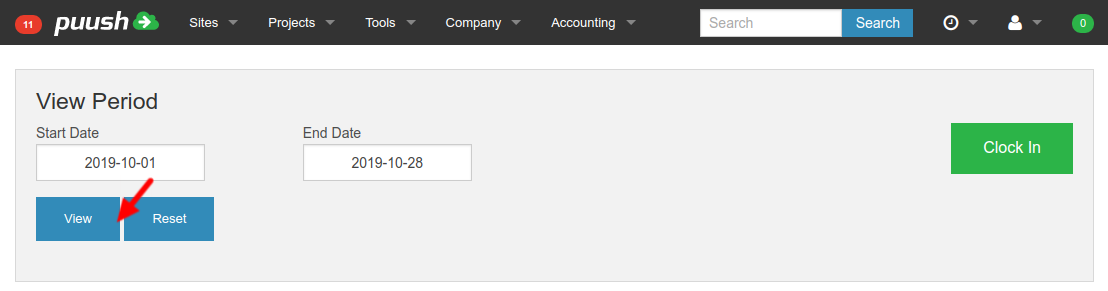
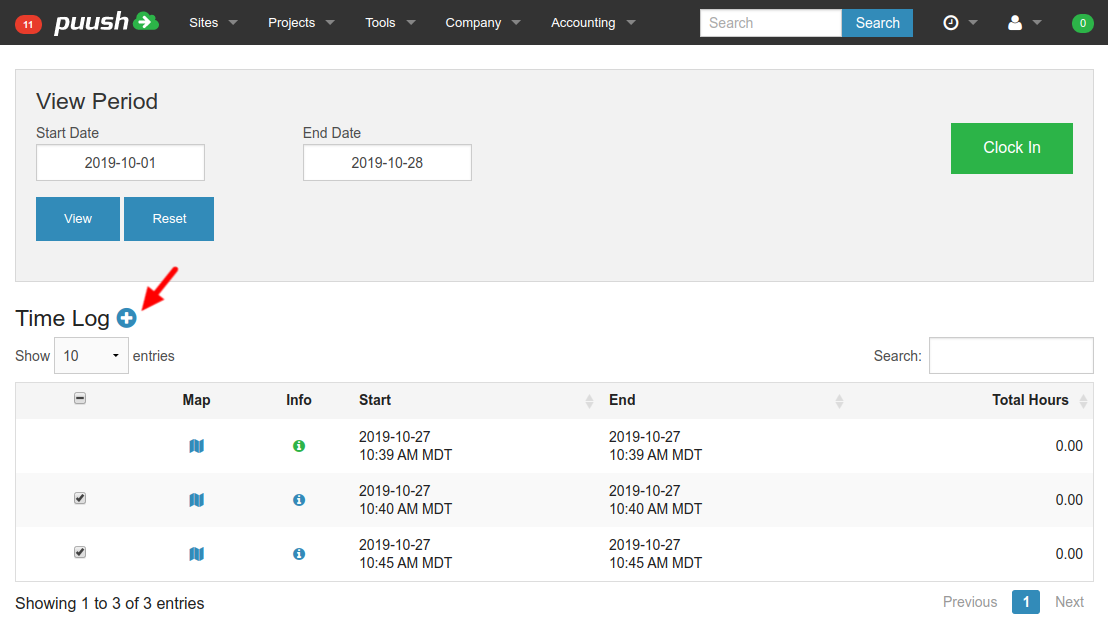
- Set Start and End dates and click "View" to specify the date range of Check In's and Time Clock entries to view in Time Log.
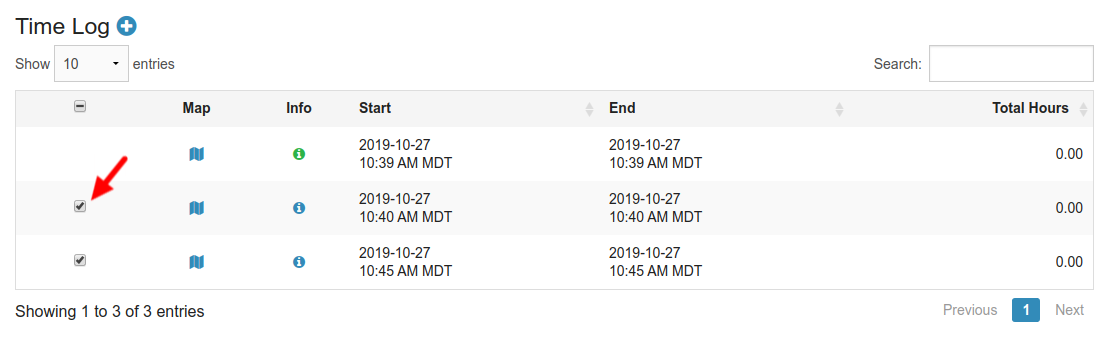
- Time entries that have already been added to Time Sheets will not be have a select option, and will have a green information icon. Click on icon to view additional information.
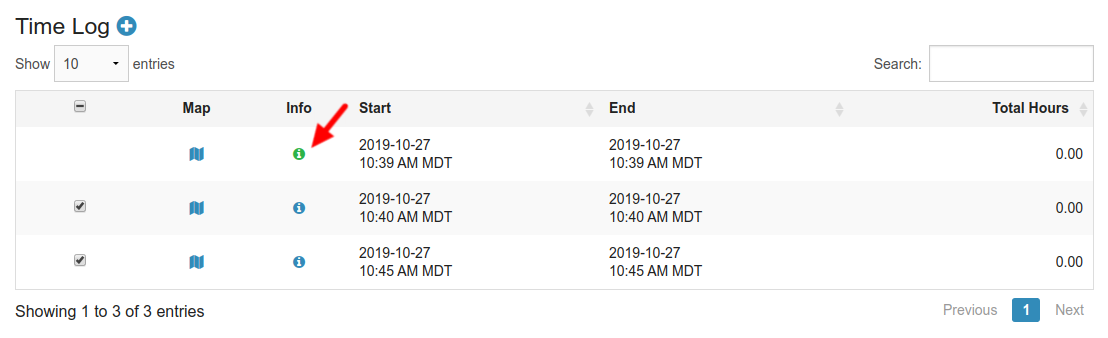
- Check boxes for Time entries that are to be added to a time sheet. Time entries must have a start time within the Pay Periods date range.
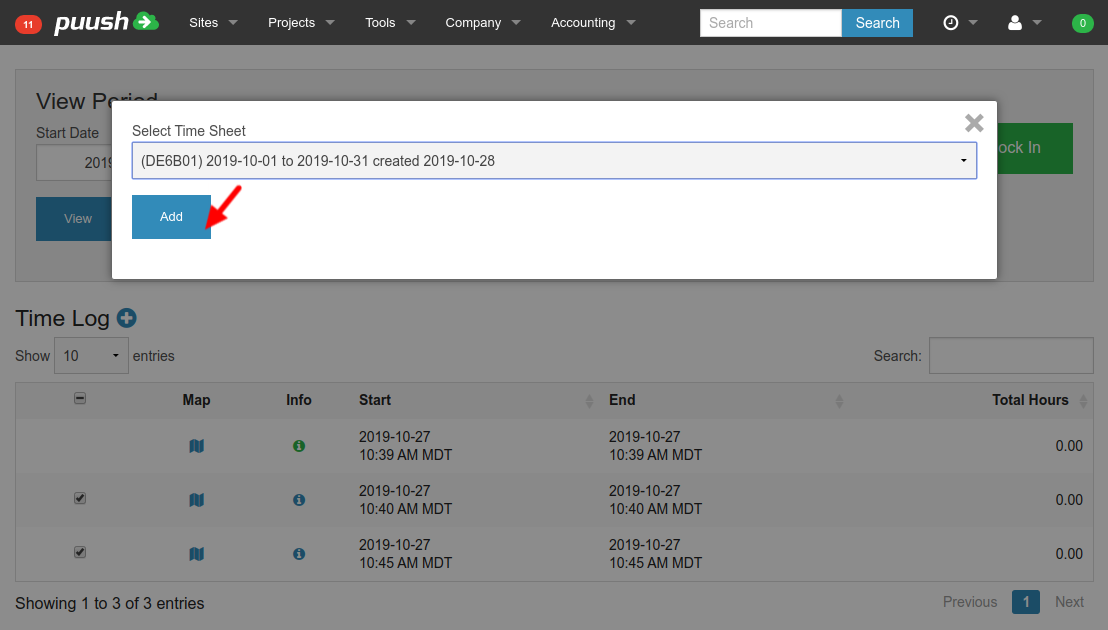
- Click "Add" button at top of Time Log.
- Select Time Sheet to add selected Times into.