Creating custom document notifications
Create custom notifications to receive email notices at a specified date. Use this feature to remind you when leases are expiring, when maintenance tasks are due to be reevaluated, and more.
Create a notification
- Navigate to the Site.
- Open the "Documents" section.
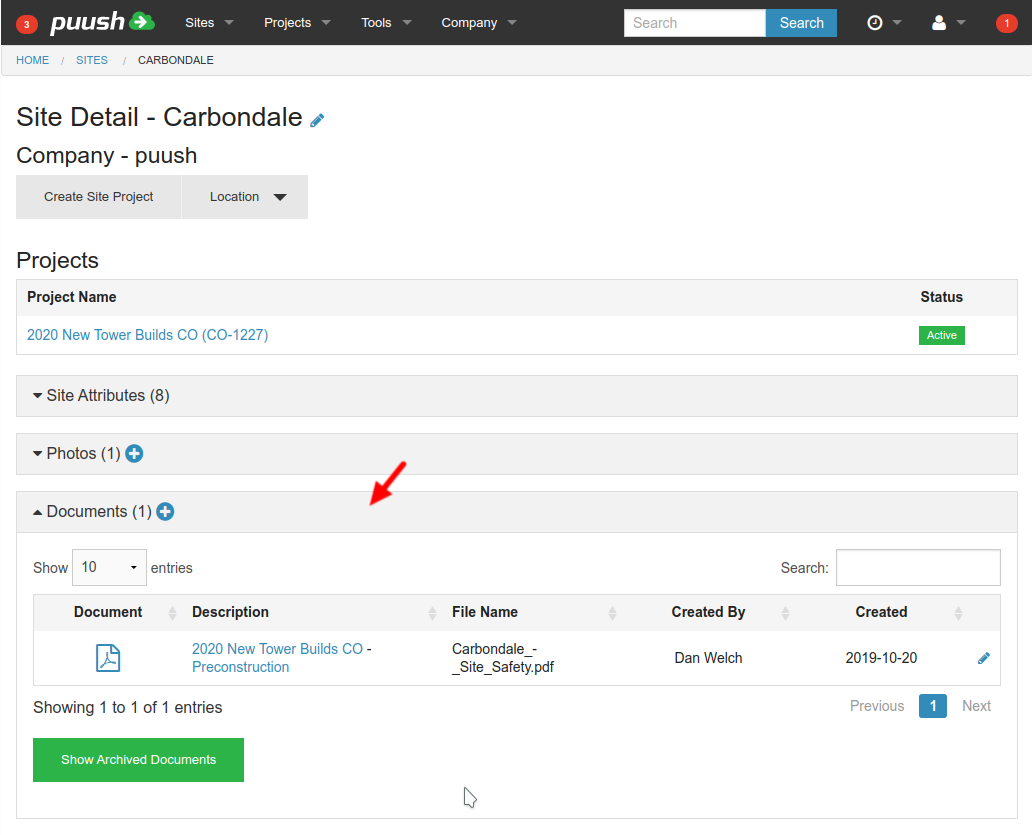
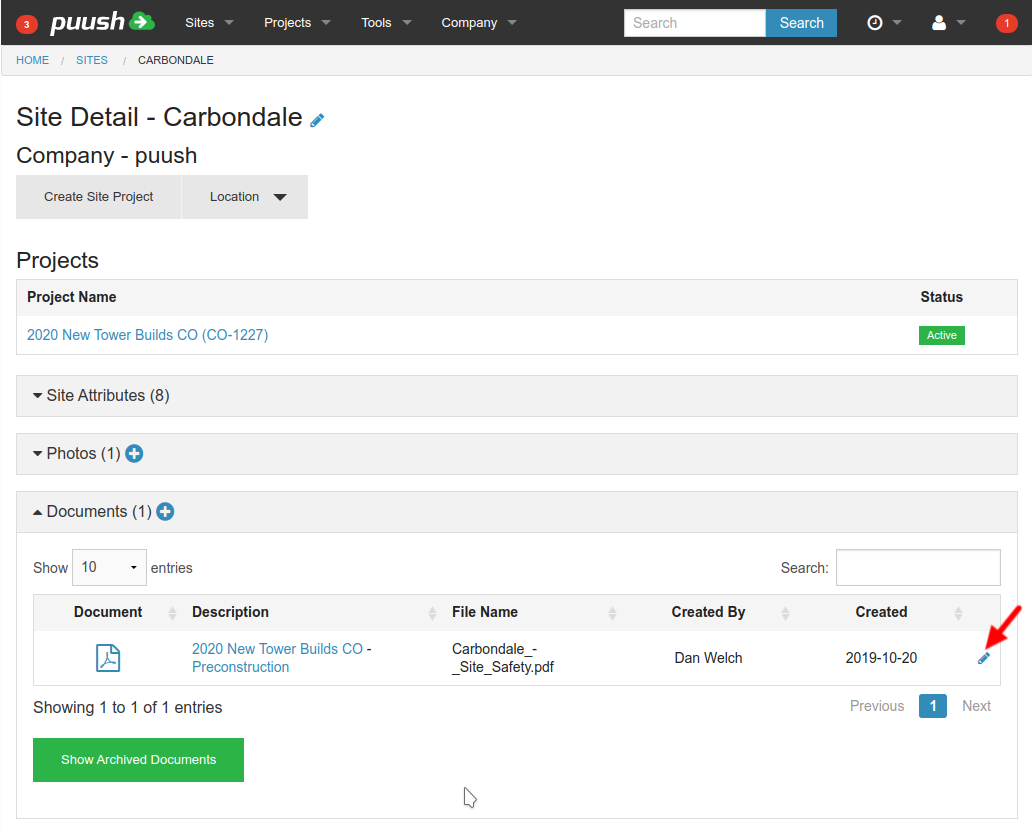
- Click on the "Edit" icon to the right of the document you wish to be notified on.
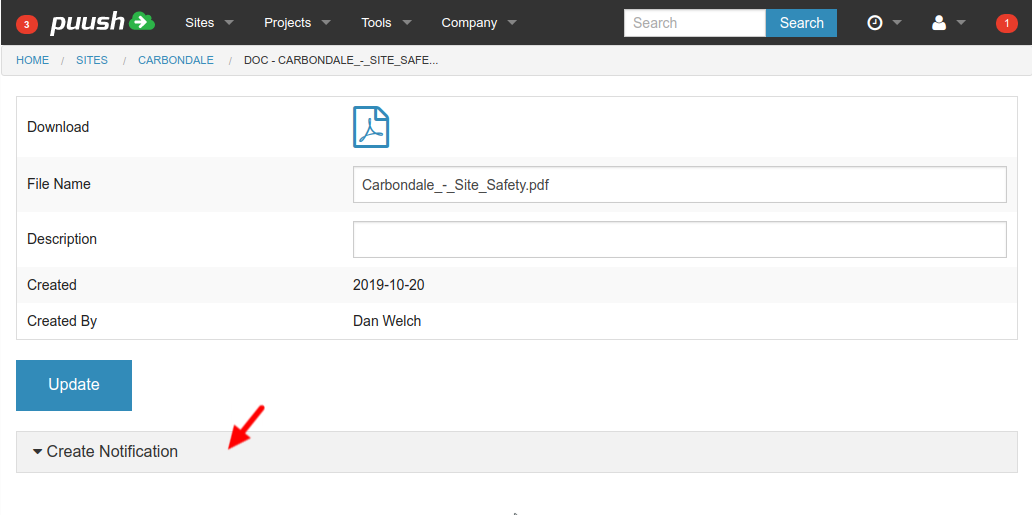
- Open the "Create Notification" section.
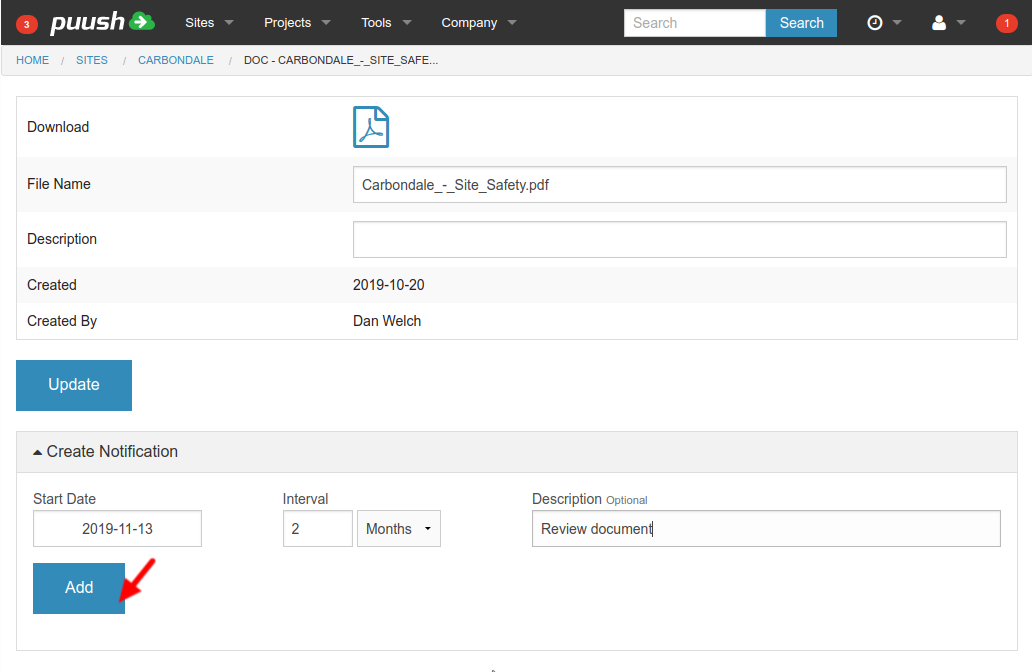
- Set your notification Start Date, Interval and Description. Leave Interval blank for one time only notifications. Click "Add" to create your notification.
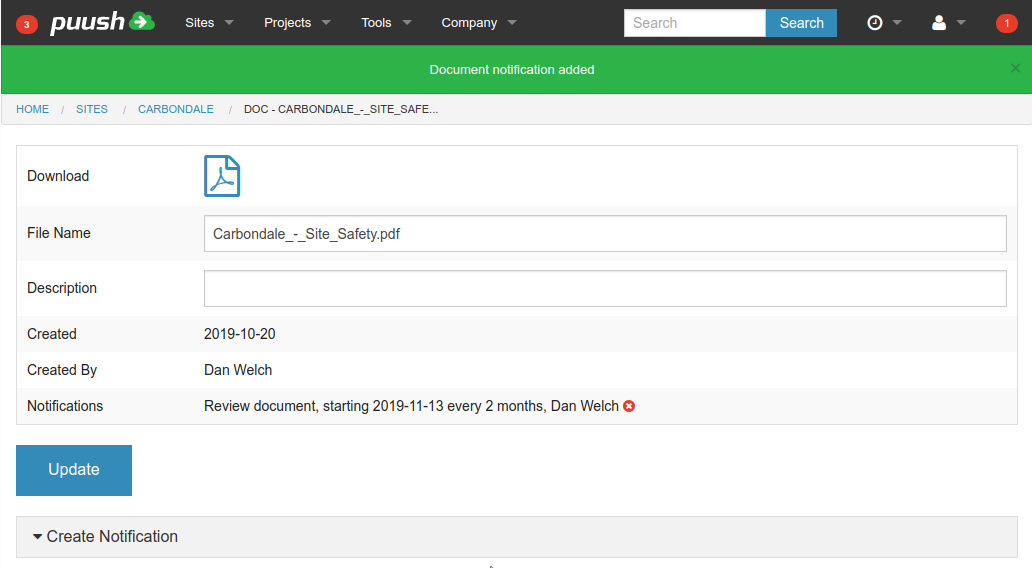
- You will receive a notification via email, sms, or within puush per your personalSettings, on the morning of the Start Date selected, as well as on each interval as defined.
Removing Notifications
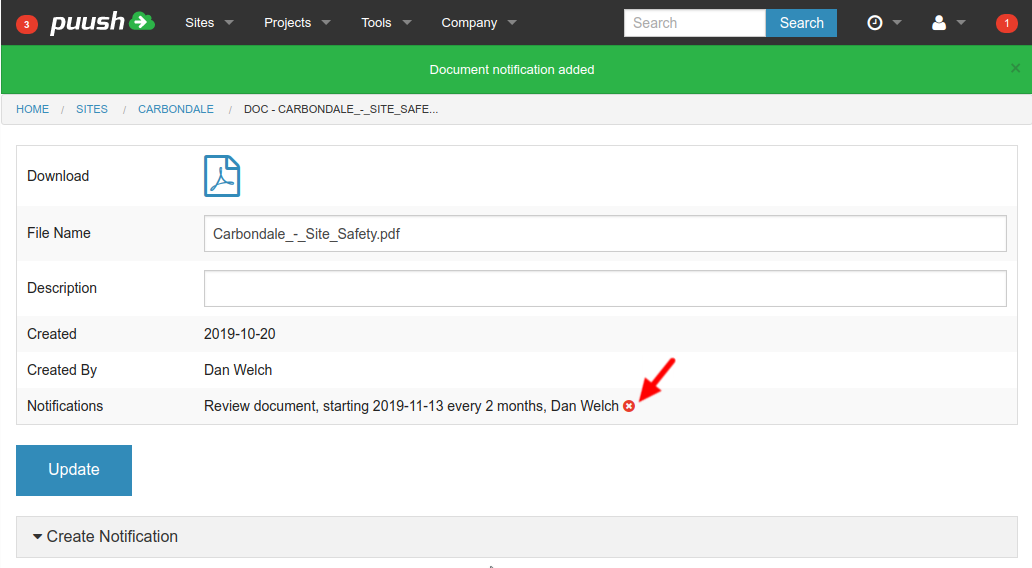
- Navigate to the documents edit view as done to create a new notification.
- Click on the "Delete" icon to remove the notification.
tip
For more about all notification types and delivery settings, see Notifications Overview.