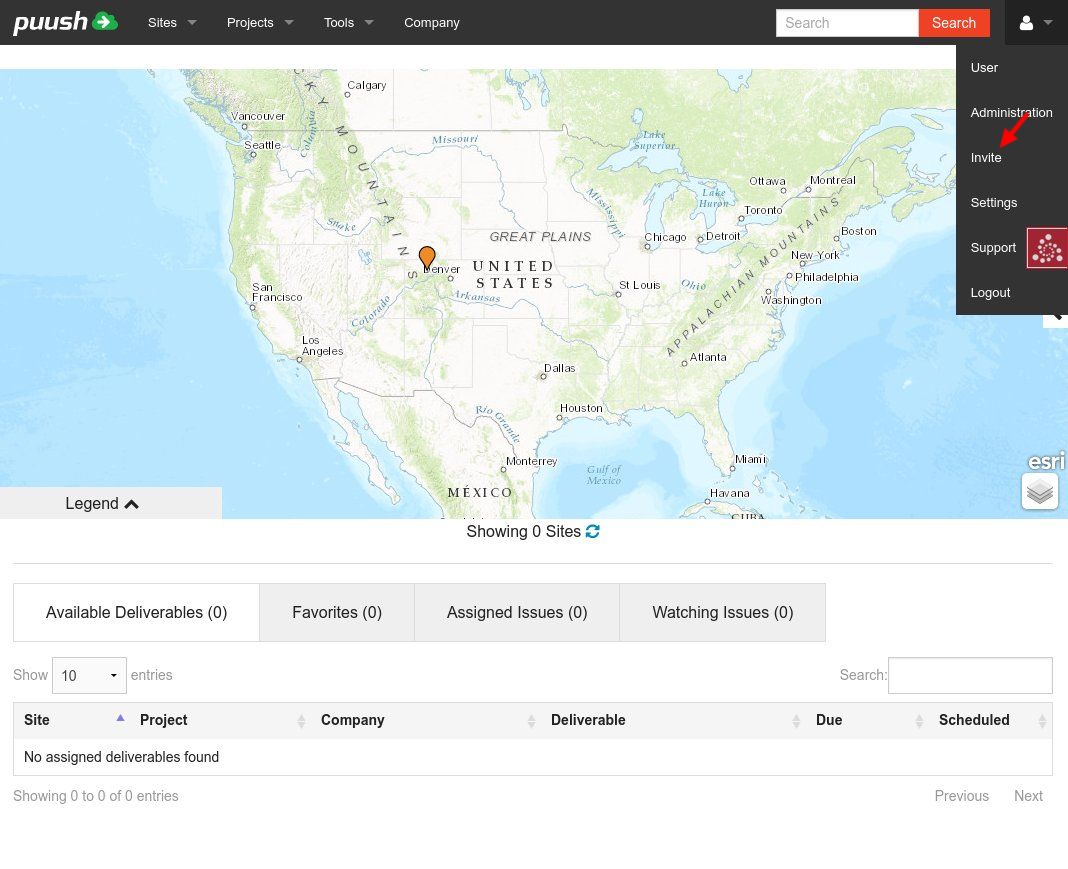
- From any page, click on the "User" menu in the upper right corner.
- Click on "Invite".
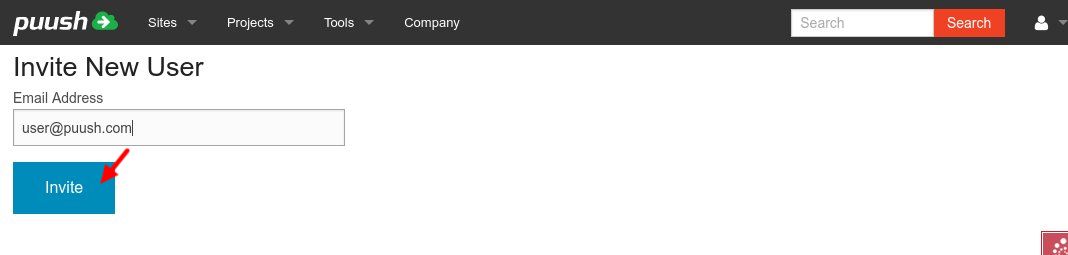
- Enter the email address of the user you would like to invite. When this user joins, they will be added as a standard user to your company account.
- Click the "Invite" button.
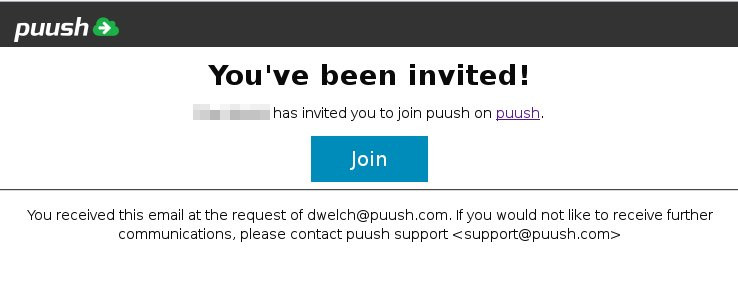
- This will send an email to the user with a link to join puush.
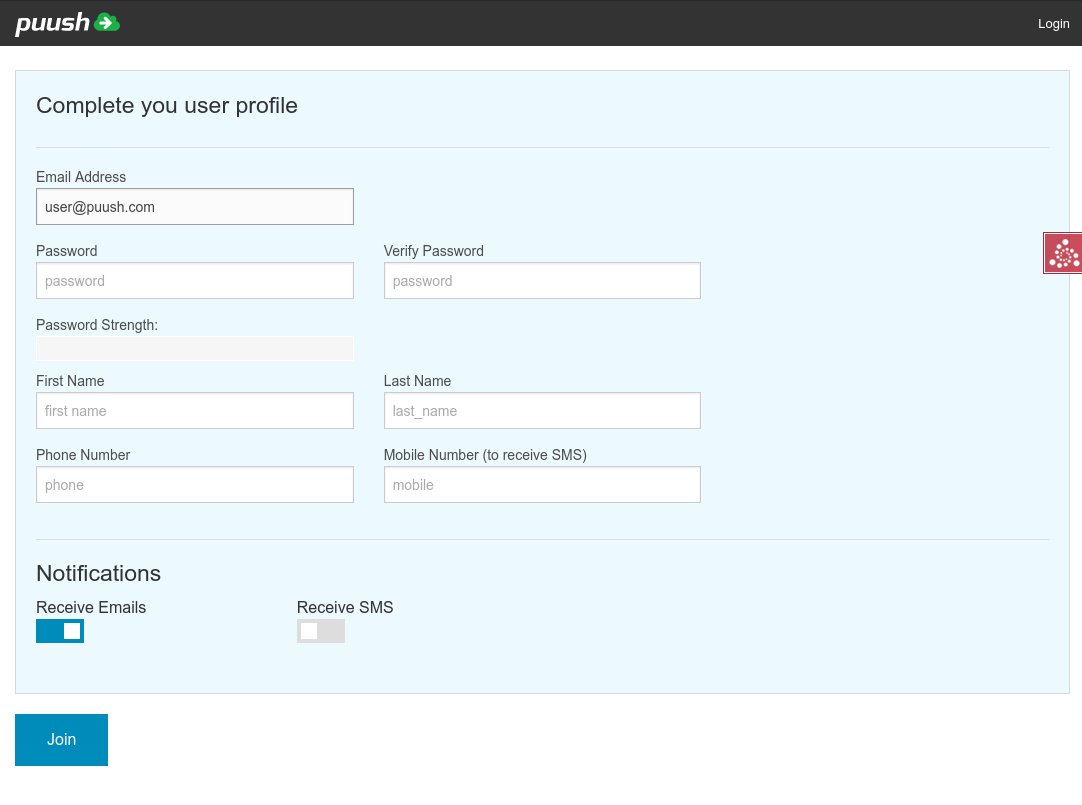
- The user will be taken to a page where they can create their account and enter their account details.
- After the user joins, you will receive an email notice that they have successfully created an account.