Creating Pay Periods
-
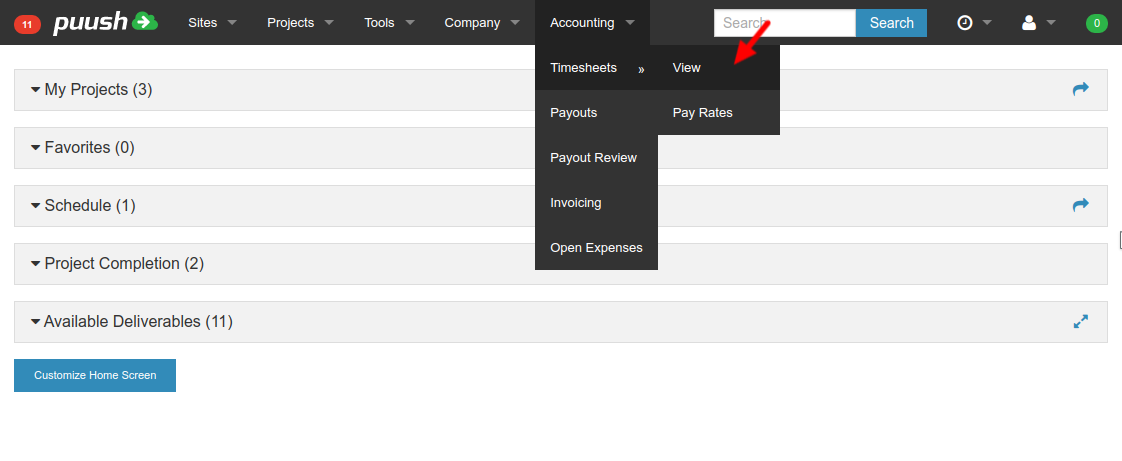
Open "Accounting" -> "Timesheets" -> "View" from top menu.
-
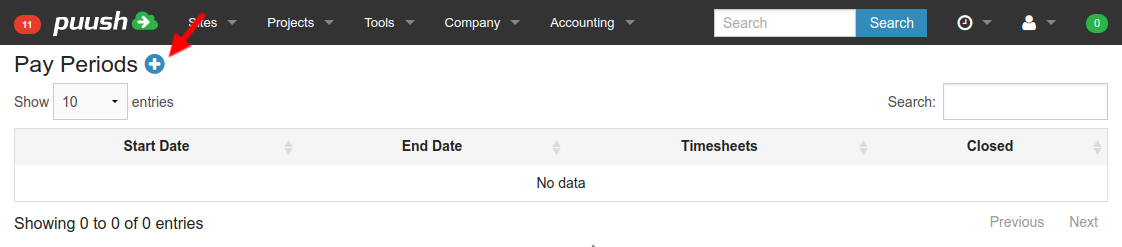
Click "Add" pay period button.
-
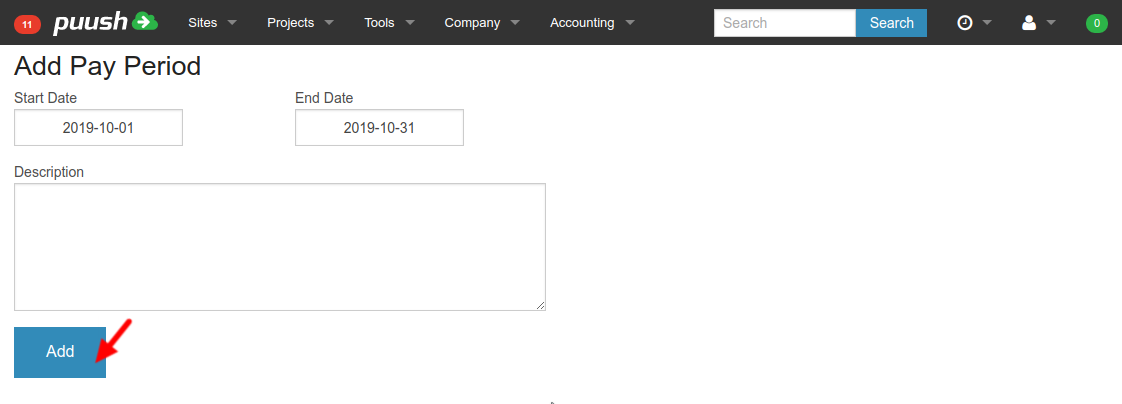
Enter pay period start and end dates, enter description, and hit "Add" button.
-
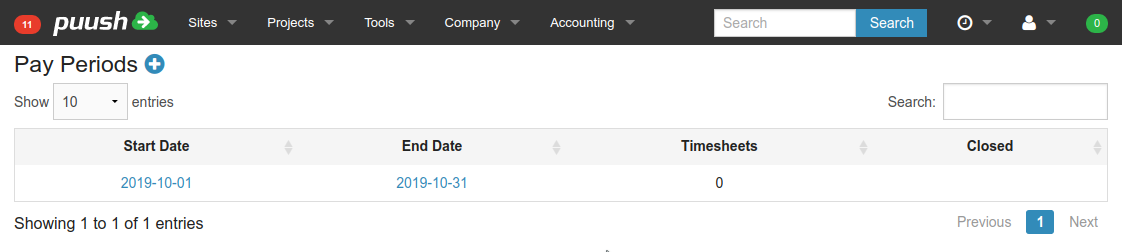
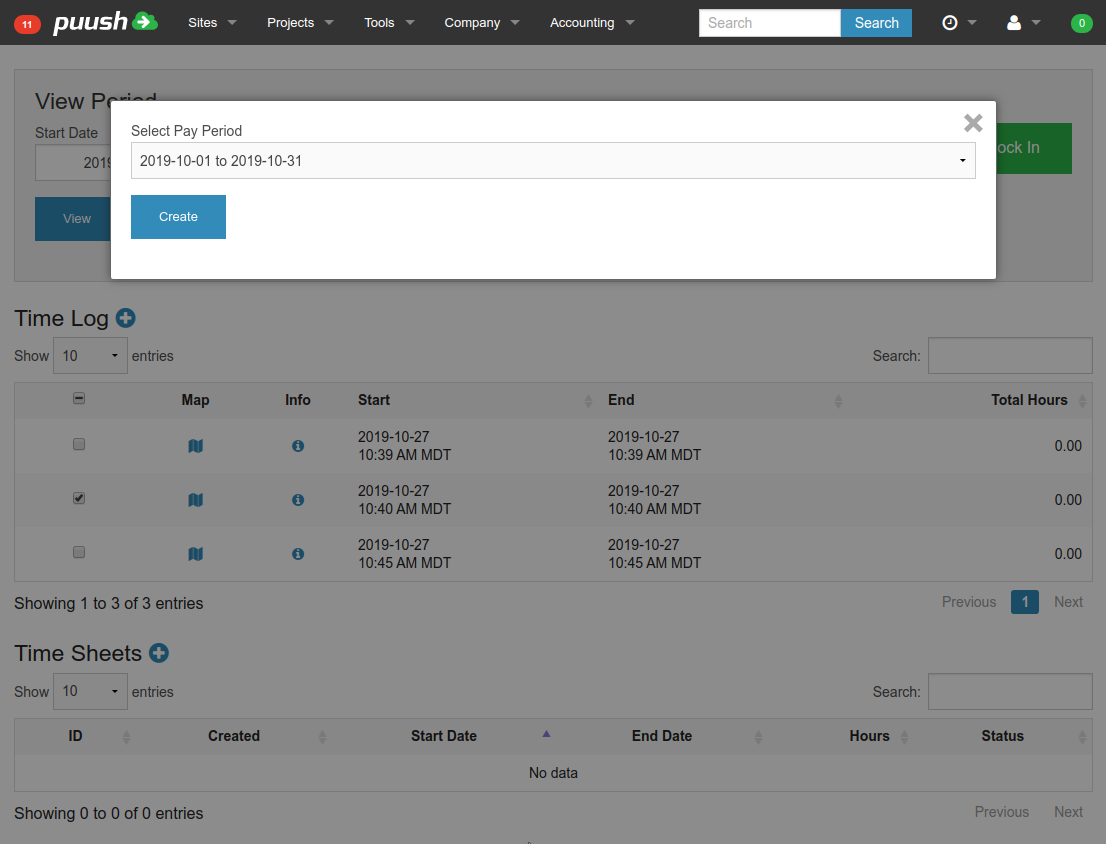
New pay period will be shown in table and users will be able to create time sheets for the pay period.