Join a Project
Joining a project gives greater visibility and access to a project. You should join any project you intend to do work on. If you are assigned or scheduled to a Deliverable on a project, you will automatically be joined to that project as well.
How to find an join a project
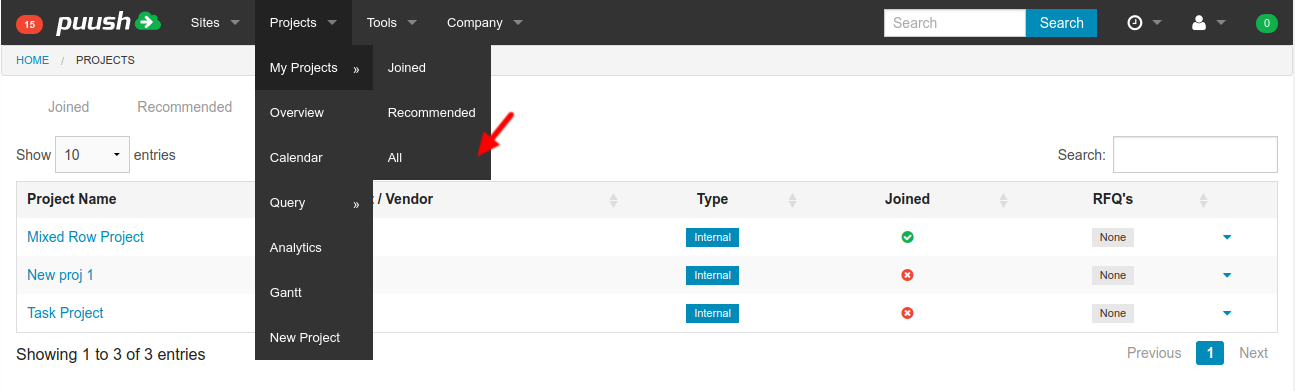
- From any starting location, click on the "Projects" dropdown in the top menu. Hover over "My Projects" and click on the "All" link.
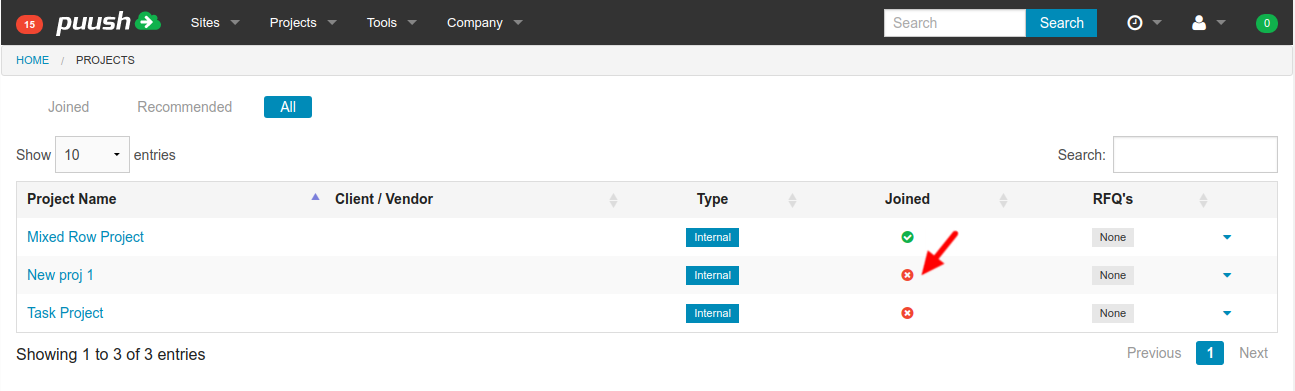
- Locate or search for the project you would like to join. You can either join directly by clicking on the red "x" in the "Joined" column.
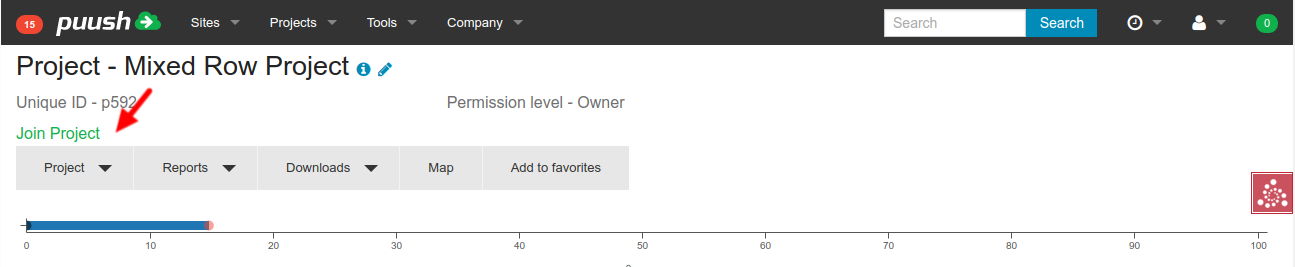
or you can click on a project name to enter the project, then click on the "Join Project" link on at the top of the screen.